Un court tutoriel que j’avais écrit en anglais, éclairant sur la fonction "stained glass effect" d’Autodesk Combustion en utilisant la lumière virtuelle.
Résultat en guise d’exemple :
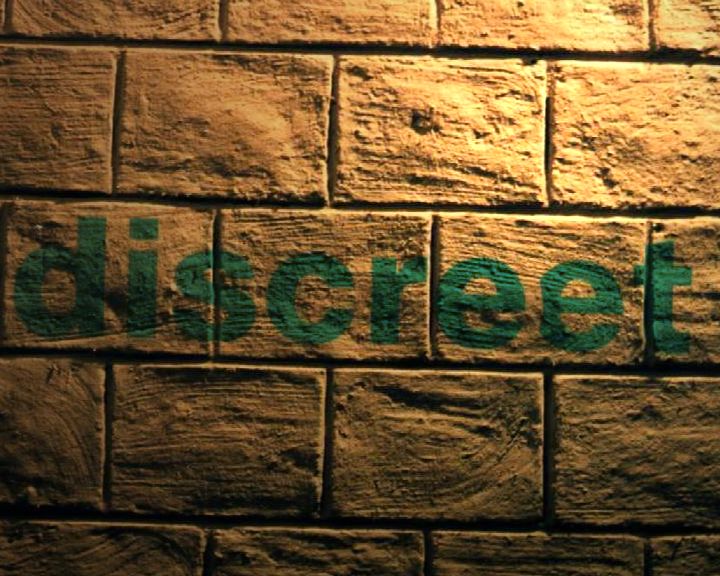
Le texte d’origine a été publié sur mon forum Artworx le 11 décembre 2003 et le billet Compositing.fr en 2008. Les commandes concernent Combustion 3.
Stained Glass Effect – How To
If you have problems to understand how the Stained glass effect works, just follow those steps in combustion 3:
– Create a DV PAL comp in 3D (any length)
– Prepare a brick wall image you have permission to use.
– Import a graphic on a separate layer (I used the Discreet logo).
– In Composite Settings, enable Shading and Shadows
– In the Transform properties of onickz-forum-discreet,
rotate Z to -1.50. Change the Position to X=87, Y=50
– In the Layer Properties of this same layer, Enable Stained Glass and Enable Invis. to Camera
– Go back in Transform properties and set Position Z to -111
